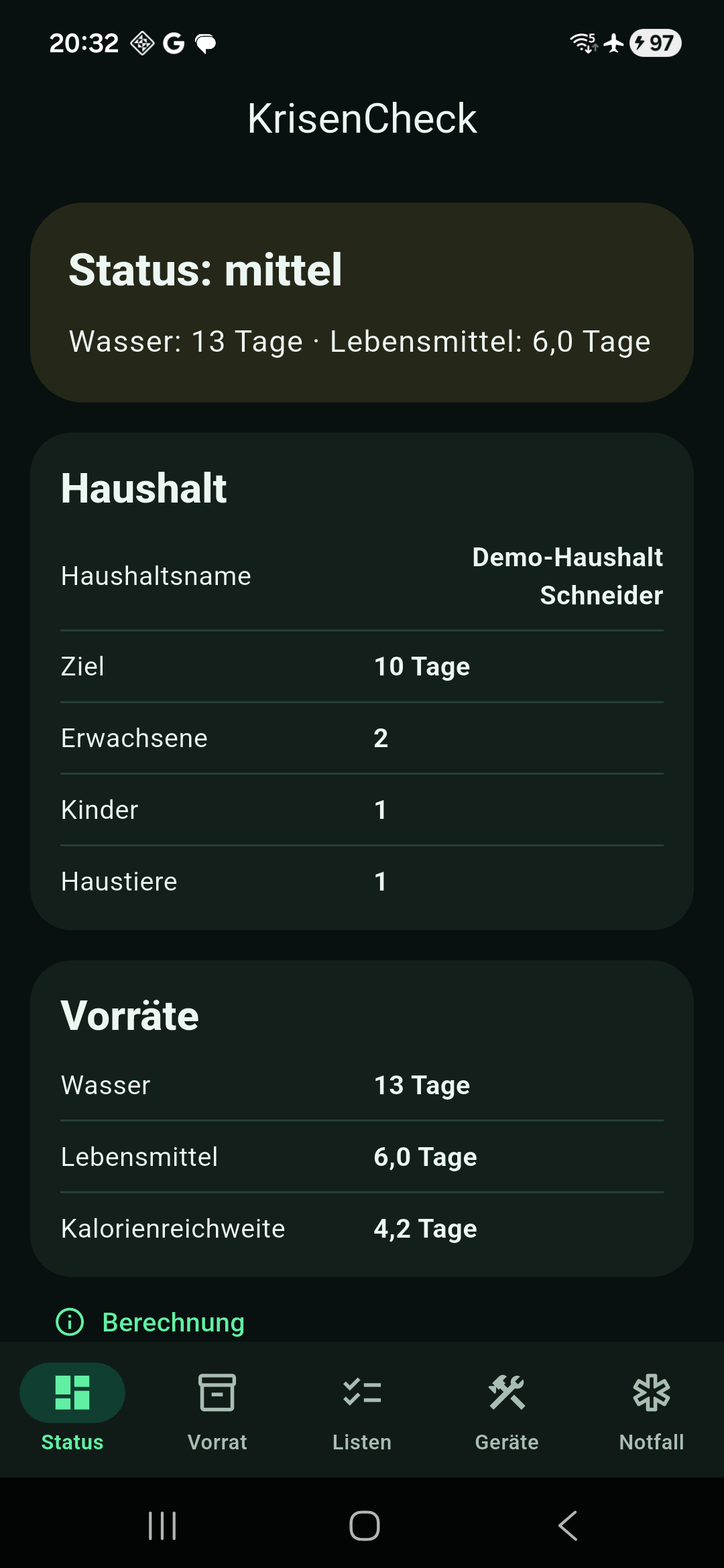
Dashboard
The readiness status summarizes water, food, and calorie range and keeps the household profile visible alongside the supply picture.
offline preparedness
The question is not if it happens. The question is when it happens.
Keep household profile, water and food supplies, and your readiness status visible on the device. KrisenCheck is calm, practical, and works without account, cloud, tracking, or analytics.
mvp/status
The current build covers the starting flow: create a household, add water and food, work through built-in checklists, and see ranges plus open items on the dashboard. Equipment and emergency-folder areas are already visible as prepared next steps.
The readiness status summarizes water, food, and calorie range and keeps the household profile visible alongside the supply picture.
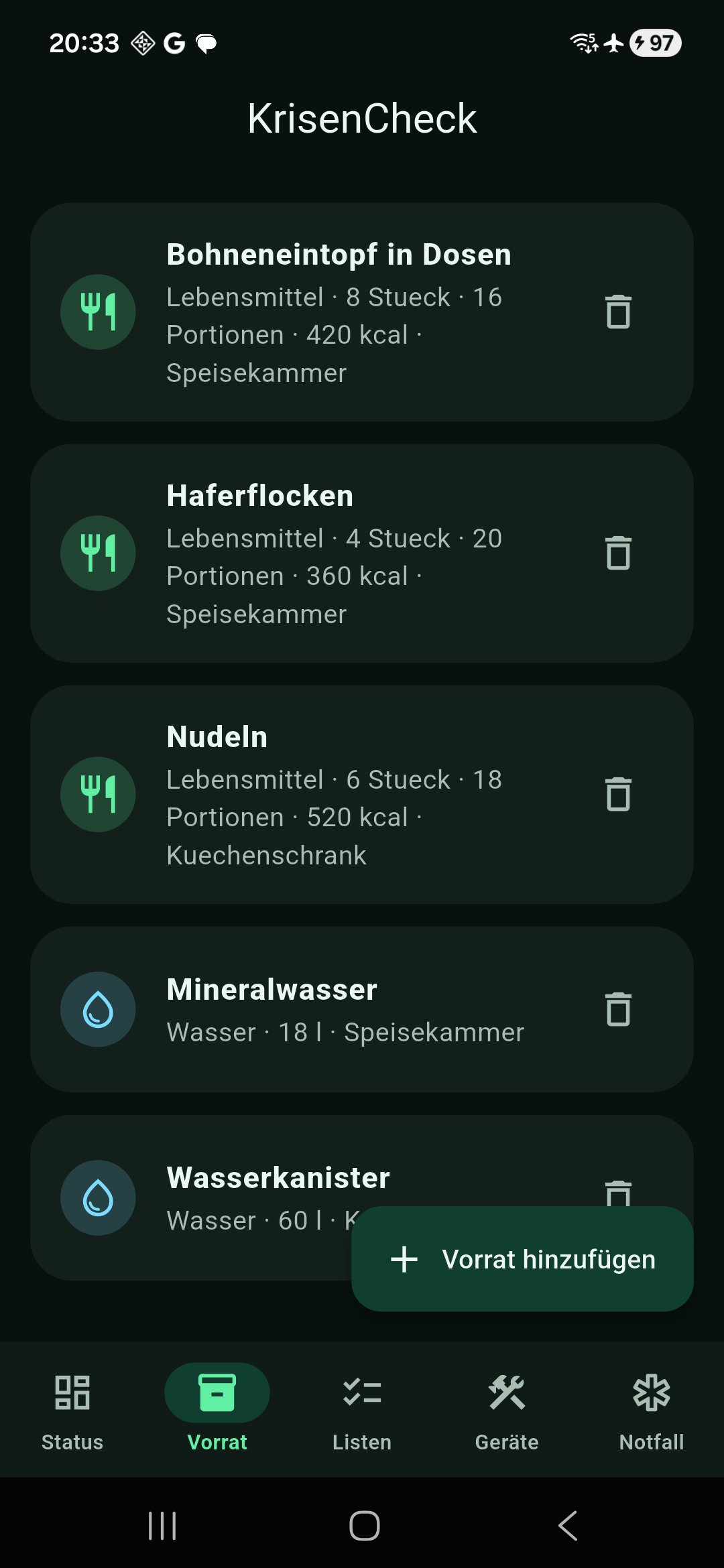
Water and food are stored locally. Amounts, portions, and optional calories feed into range calculations.
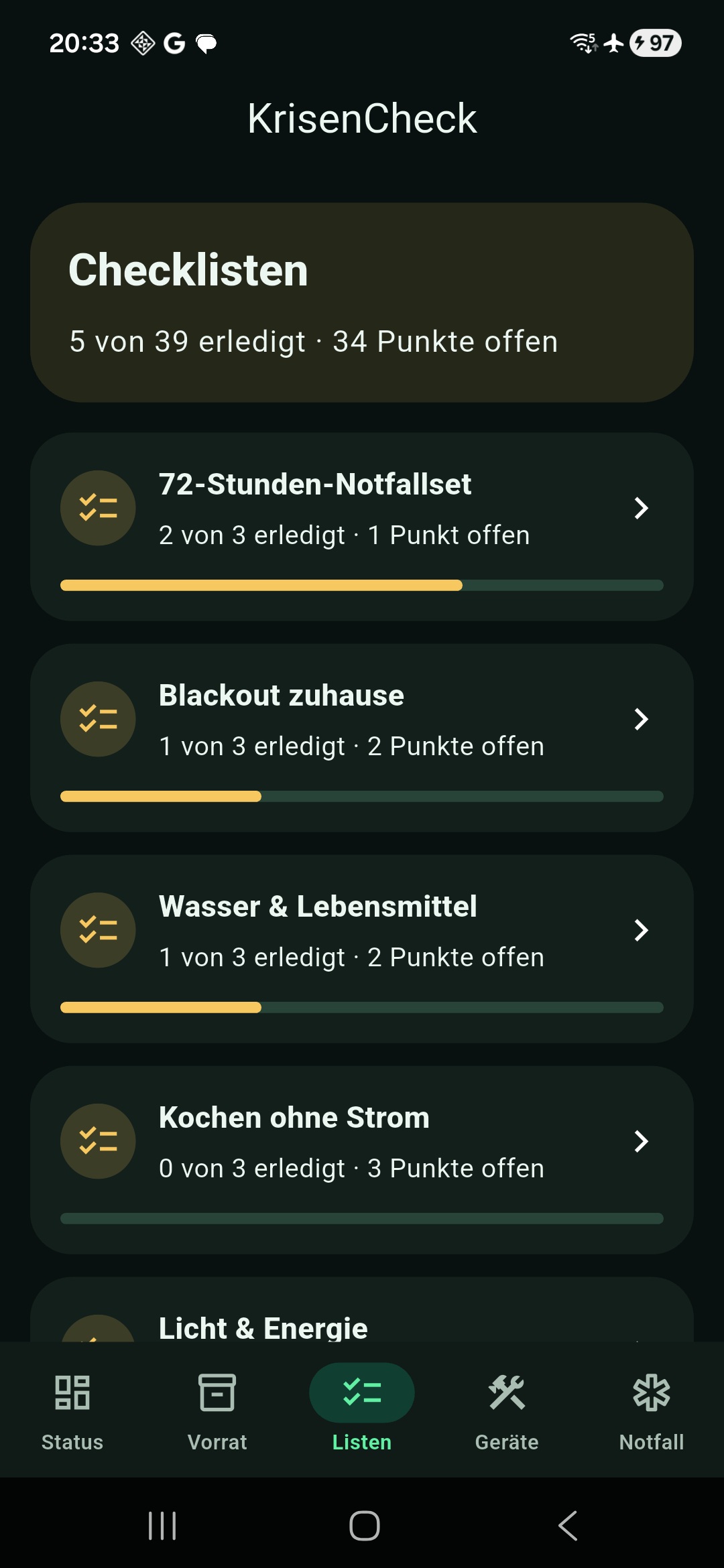
Prepared areas such as water, energy, first aid, and documents keep progress and open items visible.
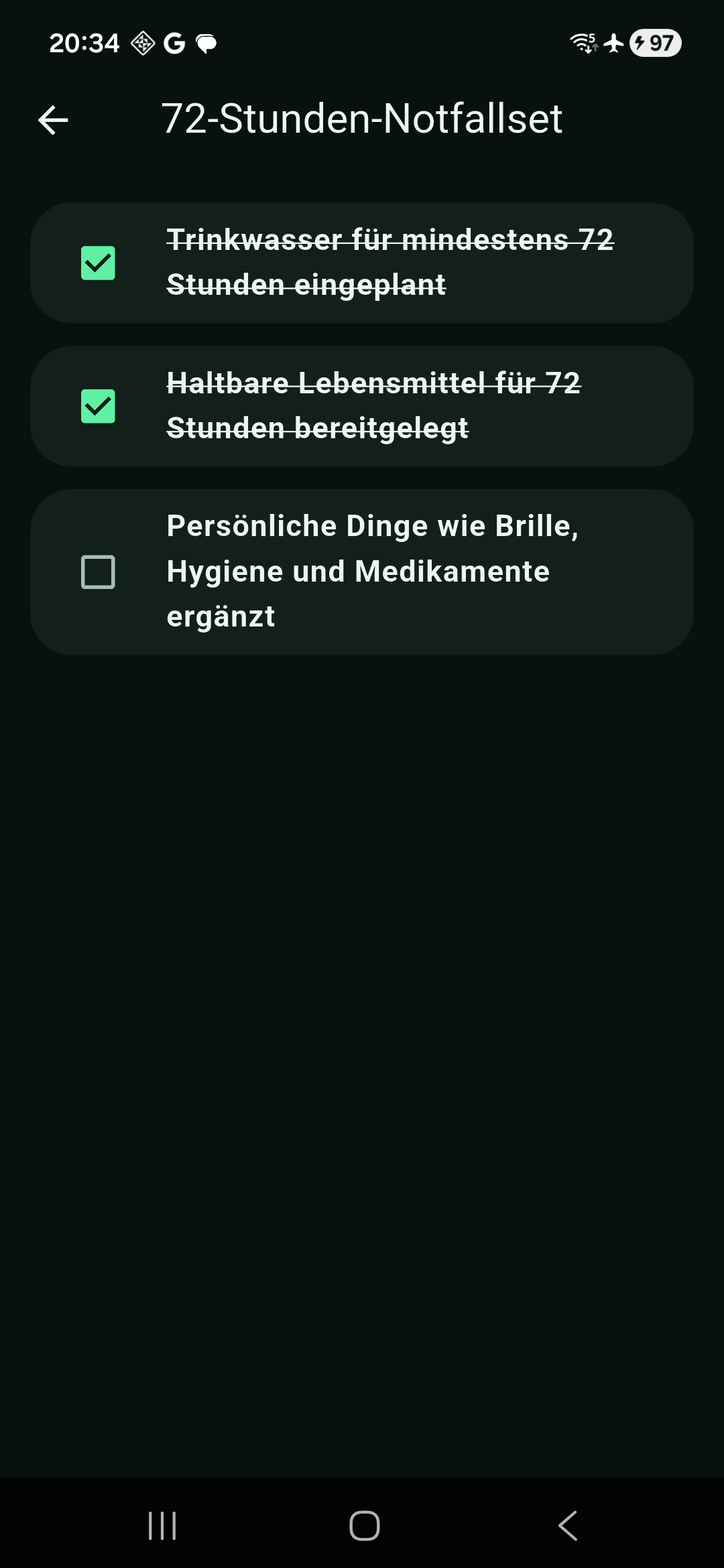
Individual tasks can be checked off directly. Progress is stored locally and reflected in the overview and dashboard.
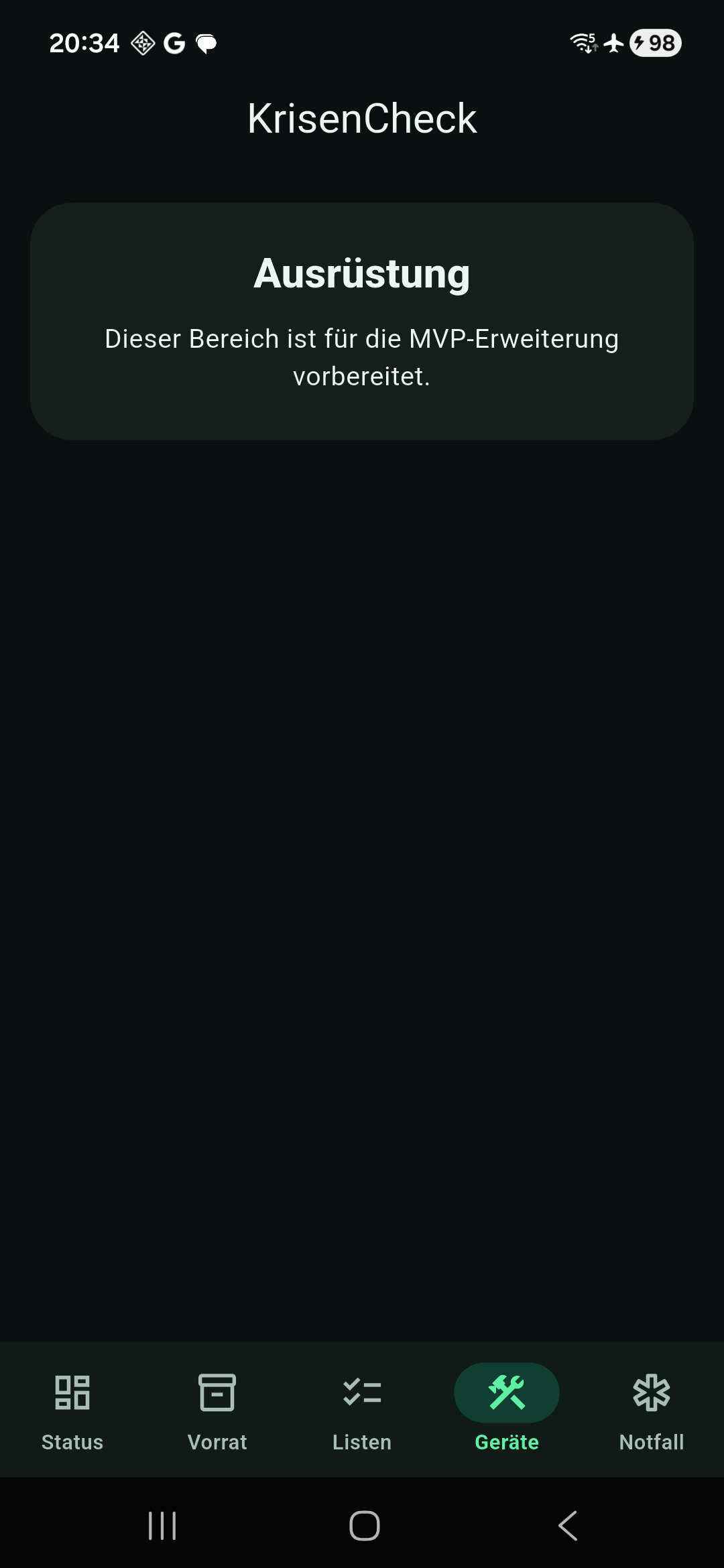
The new app frame already shows the equipment area that will cover checks and local preparedness items.
principles
KrisenCheck is meant to help people prepare without staging fear: factual input, calm status colors, and understandable next steps.
01
The app is designed for local use and works offline as long as the device has power.
02
Water, portions, and optional calories are tracked separately so the status remains traceable.
03
No account, cloud sync, advertising, tracking, or analytics.
mvp outlook
Supplies and built-in checklists are in place. Next MVP work fills the prepared equipment and emergency-information areas, followed by custom checklist items and export features for backups and print.
Next
Add custom items and hide or remove built-in points that do not apply.
Planned
Check intervals and status for items such as power banks, radios, flashlights, or medication.
Planned
Contacts, meeting points, important numbers, and notes that can later be printed as a PDF.